Article
Problem #4/100: Why a "quick fix" costs 10x a month later
A one-hour copy-paste turns into a three-day audit when three near-identical functions drift apart. The franchise-manual analogy for SaaS codebases, and how to separate data from structure without a rewrite.
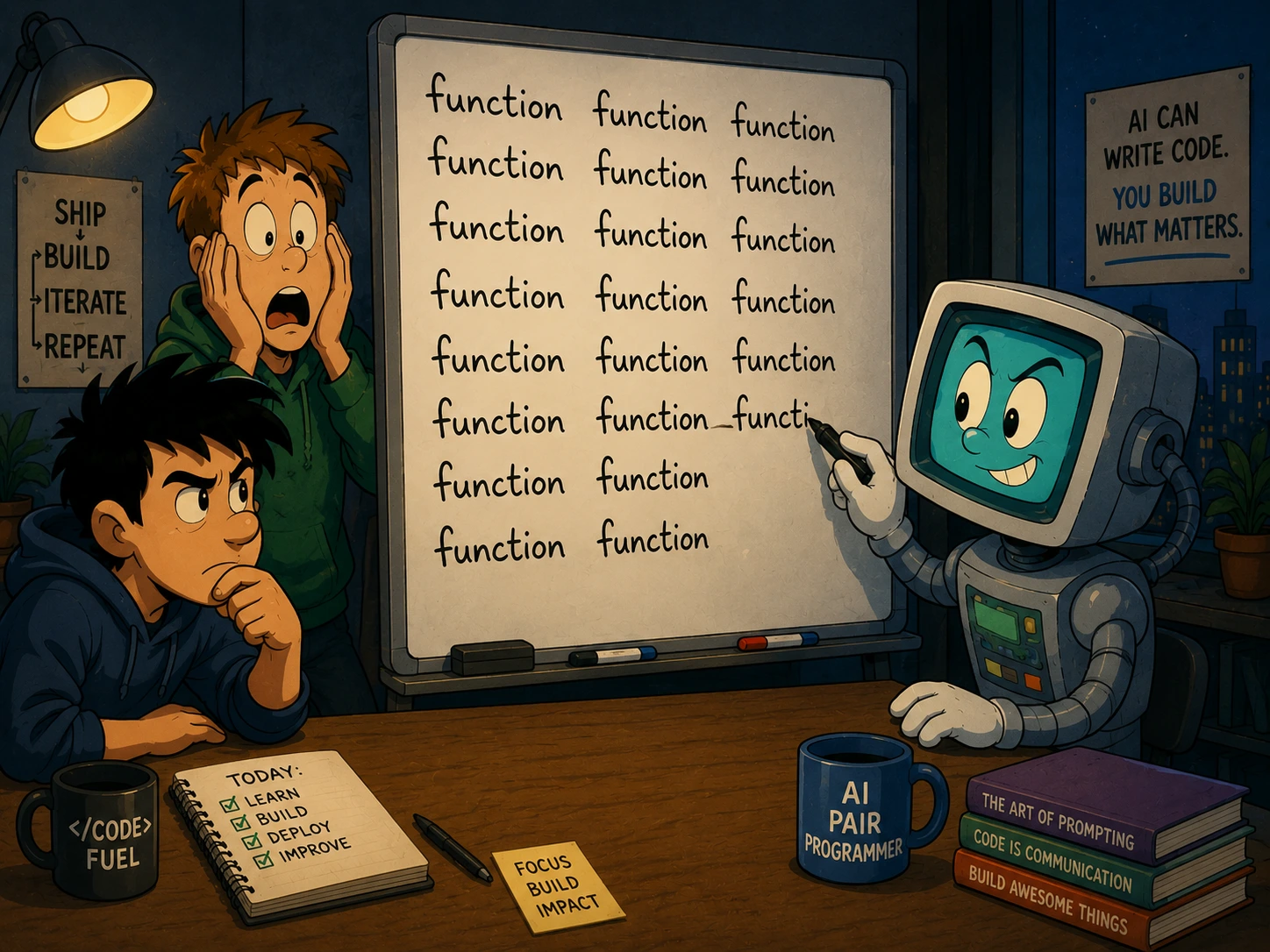
Your developer ships a new toolbar in an hour. The project manager is delighted — fast turnaround, no drama. Everyone moves on.
Three weeks later: "Can we add a pin-to-toolbar feature across all pages?" The developer opens the codebase and finds three toolbars. Each was built by copying the previous one and changing the buttons. The logic that filters and sorts buttons — identical in intent — now exists in three slightly different versions. One has a security check the others don't. One uses a different property name for the same concept. One has a subtle bug that the first version was already fixed for.
The "one-hour fix" just turned into a three-day audit. And the pin feature still hasn't started.
This is Problem #4 in a series of 100 I'm documenting from real SaaS projects. It's the most common problem on the list — not because developers don't know about it, but because it always feels justified at the moment it happens.
What you're seeing from your seat
A feature that works on one page is broken on another. Users report that a security restriction exists on the project page but not on the settings page. Both pages look the same. Both were built by the same team. But one has a guard that the other lost during copy-paste.
"Small" feature requests get big estimates. "Add pinning to all toolbars" sounds like one task. Your developer says three days — because "all toolbars" means finding every copy, understanding how each one diverged, and applying the change to each without breaking the others.
The same bug comes back in a different costume. You fix a sorting issue on the dashboard. A month later, the same sorting issue is reported on the settings page. Different ticket, different reporter, same root cause — the fix was applied to one copy but not the others.
Inconsistencies that nobody can explain. A button is called "isPinned" on one page and "pinned" on another. They mean the same thing. The UI component expects one spelling. Depending on which page loads, it either works or silently fails. No error in the console. Just a feature that "sometimes doesn't work."
The franchise manual analogy
Imagine you open a restaurant. You write the operations manual — how to prepare each dish, how to handle complaints, how to close the kitchen at night.
You open a second location. Instead of sharing the manual, the new manager photographs every page, prints their own copy, and tweaks a few recipes for local taste. Fair enough — some things are different.
Six months later: three locations, three manuals. Location 1 updated their allergy protocol after an incident. Locations 2 and 3 still have the old version. Location 3 changed the closing checklist but didn't tell anyone. A health inspector visits Location 2 and finds procedures that were fixed at Location 1 months ago.
The recipes were different — that was genuinely location-specific. But the allergy protocol, the closing checklist, the complaint handling? Those were the same everywhere. They just drifted because each location had its own copy.
A well-run franchise has one shared operations manual and a separate local supplement for each location. The shared parts update once and propagate everywhere. The local parts — the menu tweaks, the supplier contacts — live separately and can vary freely.
In your codebase, the toolbar actions (which buttons to show) are the local menu. The filtering, sorting, and pinning logic is the operations manual. Right now, every toolbar has its own copy of both.
What this looks like in code (simplified)
Three toolbars. Each one was built by copying the previous one and changing the button list. Here's what the code looks like — you don't need to read every line, just notice the pattern:
// Dashboard toolbar
function getDashboardToolbar(user, pinned) {
  const actions = [
    { key: "create_project", label: "New Project" },
    { key: "import_data", label: "Import" },
    // ...
  ];
  // filter by permissions, check pinned status, sort
  // ... 15 lines of filtering and sorting logic
}

// Project toolbar — copied, edited
function getProjectToolbar(user, pinned) {
  const actions = [
    { key: "edit_project", label: "Edit" },
    { key: "delete_project", label: "Delete", danger: true },
    // ...
  ];
  // same 15 lines of filtering and sorting logic
  // but someone added a danger check here that the others don't have
  // and "isPinned" is spelled "pinned" in this version
}

// Settings toolbar — copied from project, edited again
function getSettingsToolbar(user, pinned) {
  const actions = [
    { key: "billing", label: "Billing" },
    { key: "danger_zone", label: "Danger Zone", danger: true },
    // ...
  ];
  // same 15 lines — but the danger check got lost in this copy
  // non-admin users can see "Danger Zone" here but not "Delete" on project page
}
Three functions, 80% identical code. The 20% that's different — the action lists — is the only part that should vary. The 80% that's the same — permission checks, pinning, sorting — drifted across copies.
After separating data from structure:
// Data — varies per page
const dashboardActions = [{ key: "create_project", label: "New Project" }, ...];
const projectActions   = [{ key: "delete_project", label: "Delete", danger: true }, ...];
const settingsActions  = [{ key: "danger_zone", label: "Danger Zone", danger: true }, ...];

// Structure — written once
function buildToolbar(actions, user, pinned) {
  // filter, check permissions, handle danger, apply pinning, sort
  // one version, one place, one truth
}

// Usage — one line per page
const toolbar = buildToolbar(dashboardActions, user, pinned);
The danger check works on every page — because it exists in one place. isPinned is always spelled the same way. Fix the sorting? One function. Add pinning? One function. Add a fourth toolbar? Define an array, call buildToolbar. No copying.
The business impact
Bug multiplication. Every copy-pasted function is a future bug that will need to be fixed N times instead of once. If you have four copies, your bug-fixing cost for that logic is 4x — but it's actually worse, because you first need to find all four copies. The first fix ships in a day. The other three trickle in over months as users report them from different pages.
Inconsistency erodes trust. When a security rule works on one page but not another, users notice. When a feature works "sometimes" depending on which page they're on, they lose confidence. This isn't a technical metric — it's the kind of friction that drives churn without ever showing up in an error log.
Feature velocity drops with every copy. The first toolbar took one hour. The fourth will take half a day — not because it's more complex, but because the developer needs to check three existing versions to make sure the new one is consistent. By the tenth copy, the developer just copies the most recent one and hopes for the best. The drift accelerates.
Refactoring becomes a project, not a task. The longer you wait, the more each copy diverges. After six months, "unify the toolbars" is no longer a one-day cleanup — it's a week-long project that requires testing every page, every permission level, every edge case. The three-day estimate from earlier? That was the cheap window. It gets more expensive every month.
What to do — without a rewrite
1. Find the clones. Search your codebase for functions with similar names or similar structure. getDashboardToolbar, getProjectToolbar, getSettingsToolbar — the naming pattern is the giveaway. Diff any two of them. If the structural code (everything except string literals and config values) is 70%+ similar, it's a clone.
2. Extract the structure first. Don't try to merge all copies into one at once. Take the most complete version (the one with the most guards, the fewest bugs), extract its structural logic into a shared function, and wire one toolbar to use it. Test. Then migrate the next one. One at a time.
3. Make the data declarative. Each toolbar's unique part — its action list — should be a plain data structure (an array, a config object). No logic inside it. Logic lives in the shared function. Data lives in the toolbar definition. This separation is what prevents future drift: adding a new toolbar means defining data, not copying logic.
4. The "new page" test. After refactoring, adding a toolbar to a new page should take 15 minutes: define the action list, call buildToolbar. If it takes longer — if the developer needs to copy structural code — the extraction isn't complete.
What's the copy-paste in your codebase that everyone agrees is "fine because the context is different"? Drop it in the comments — I pick Problem #5 from what founders and developers actually deal with.
If every small change in your product ripples into unexpected places, that's exactly the kind of structural problem I help SaaS founders untangle at mvpforstartup.com.